Create a Safety Policy
Safety policies in DynamoGuard can be used to detect user-provided inputs or model responses that contain unsafe content. See the Safety page in Key Concepts for more details on the Safety policy.
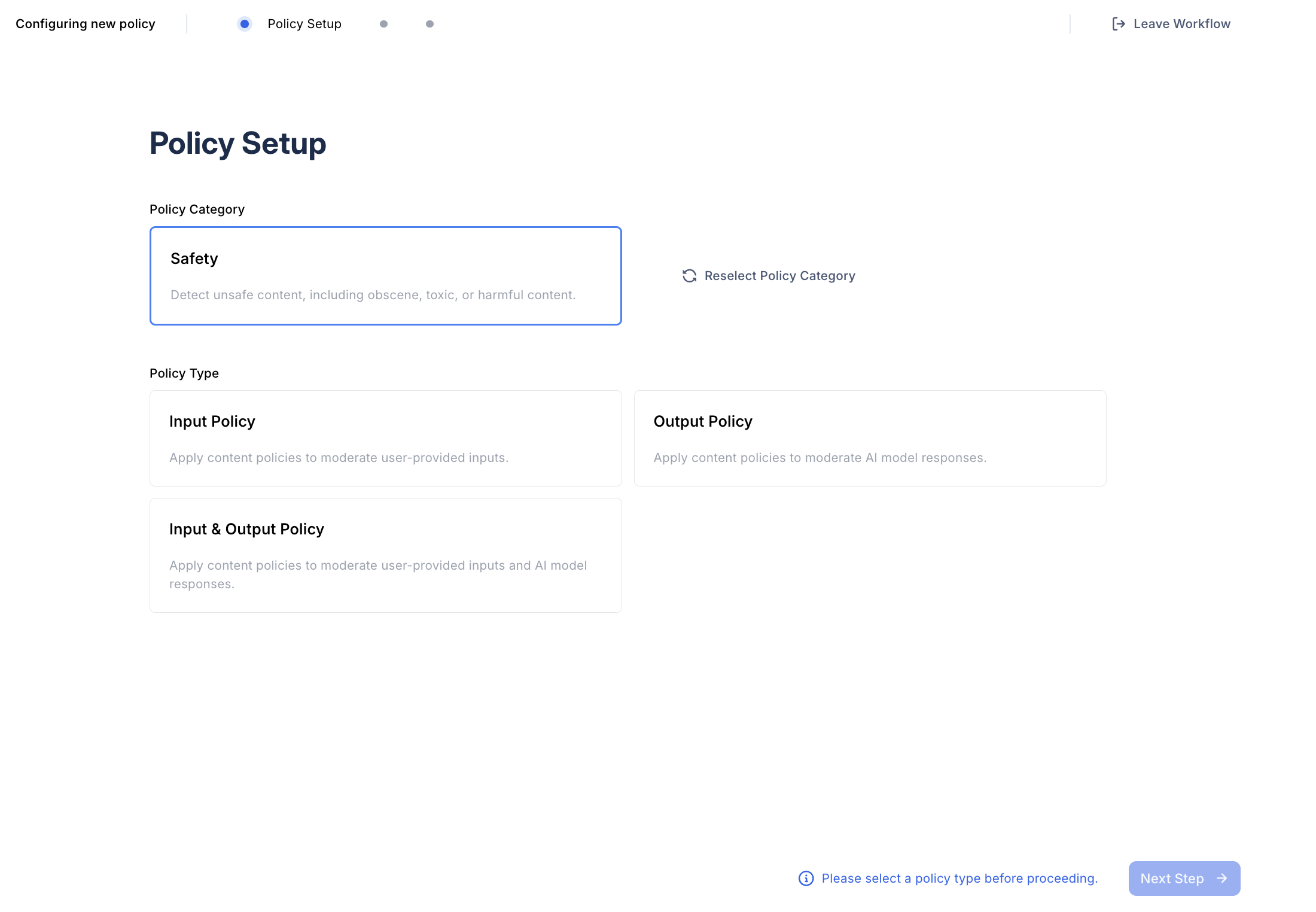
1. Select Policy Type
After selecting the Safety policy option, determine whether the policy should be applied to user inputs or model responses.
2. Select a Moderation Behavior
Choose the moderation behavior for your policy. Safety policies support two behaviors:
- Flag: flag content for moderator review
- Block: block user inputs or model outputs containing unsafe content
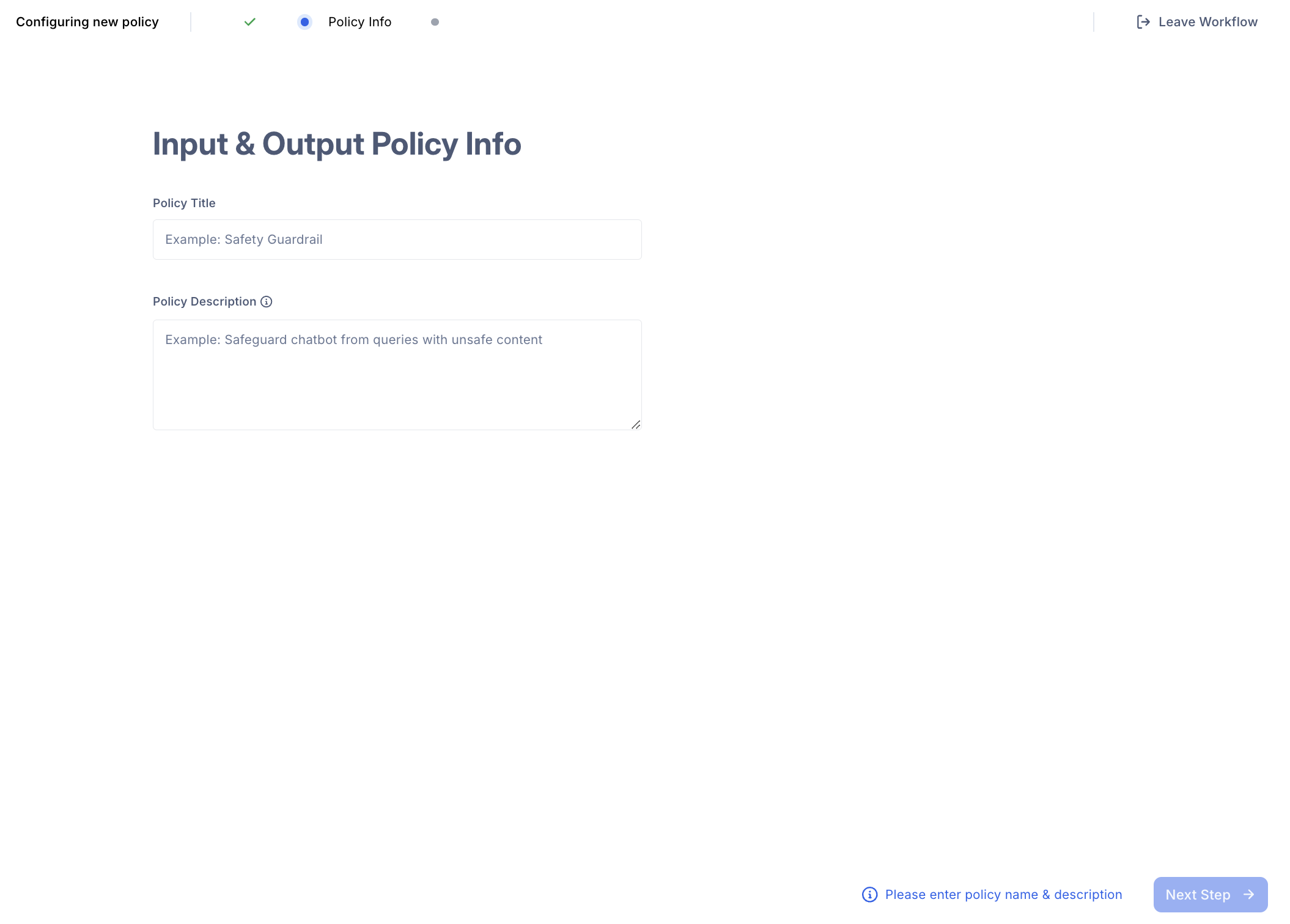
3. Provide Policy Information
Provide a policy name and description. These fields help you identify the policy in the future but do not affect its functionality.
4. Finalize and Create your Policy
Once you’ve completed the setup, click Create Policy. The newly created policy will appear in your Policy Dashboard, where you can manage and track all your policies.